
HOW TO UPDATE SINKOR LIGHT FIRMWARE
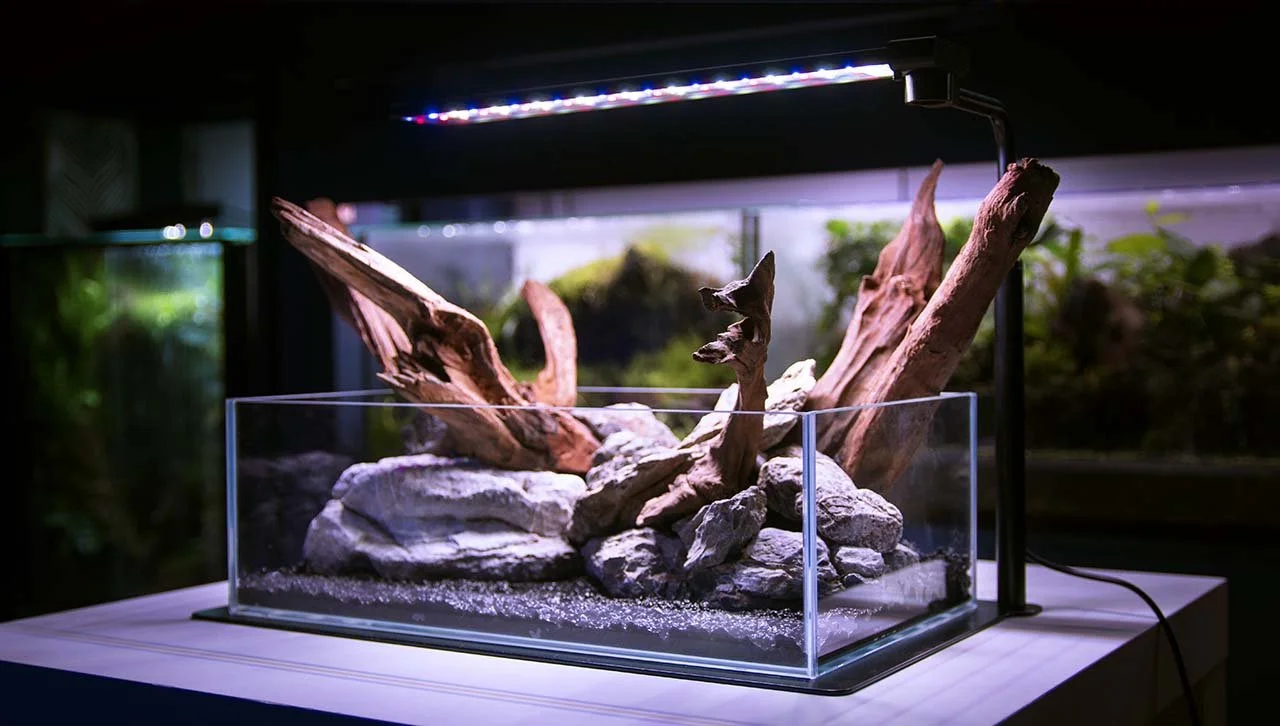
Sinkor SideFix 10L
Keeping your Sinkor lights up to date ensures that you have access to the latest features, including gradient options for ramping and ramp down. If these options are missing inside of the app, it's likely that your firmware is outdated. Follow this guide to update your Sinkor light firmware quickly and efficiently.
Step 1: Update the Surplife App
Before proceeding with the firmware update, make sure that the Surplife app is fully updated. This guarantees compatibility and minimizes potential issues during the update process.
Step 2: Connect Your Lights
Make sure your Sinkor lights are properly connected to the Surplife app. This will allow you to access and manage your devices and update firmware.
Step 3: Access the Firmware Update Option
Open the Surplife app.
Locate your Sinkor lights in the device list.
Select one of the lights to open its settings page.
Tap the three dots in the top-right corner to access more options.
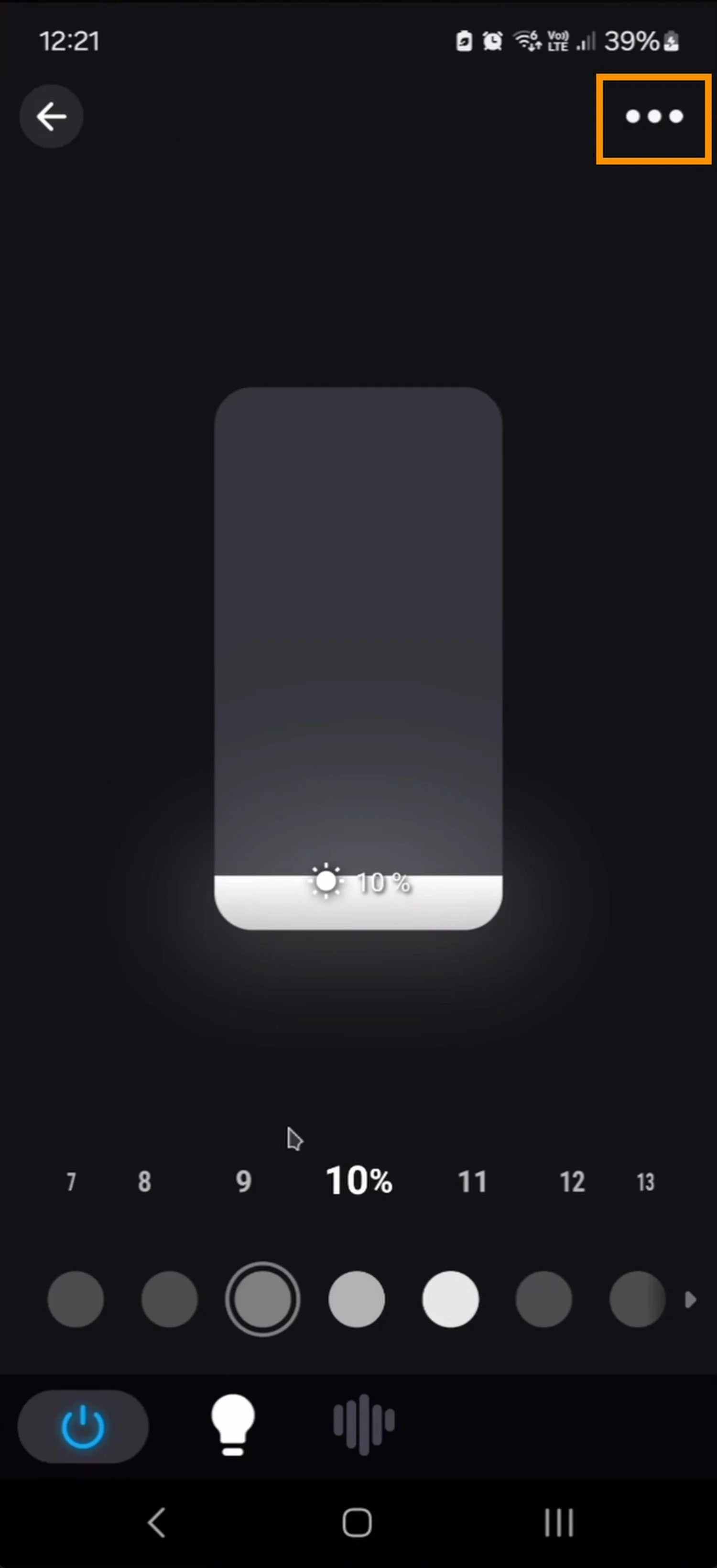
Choose "Device Information."
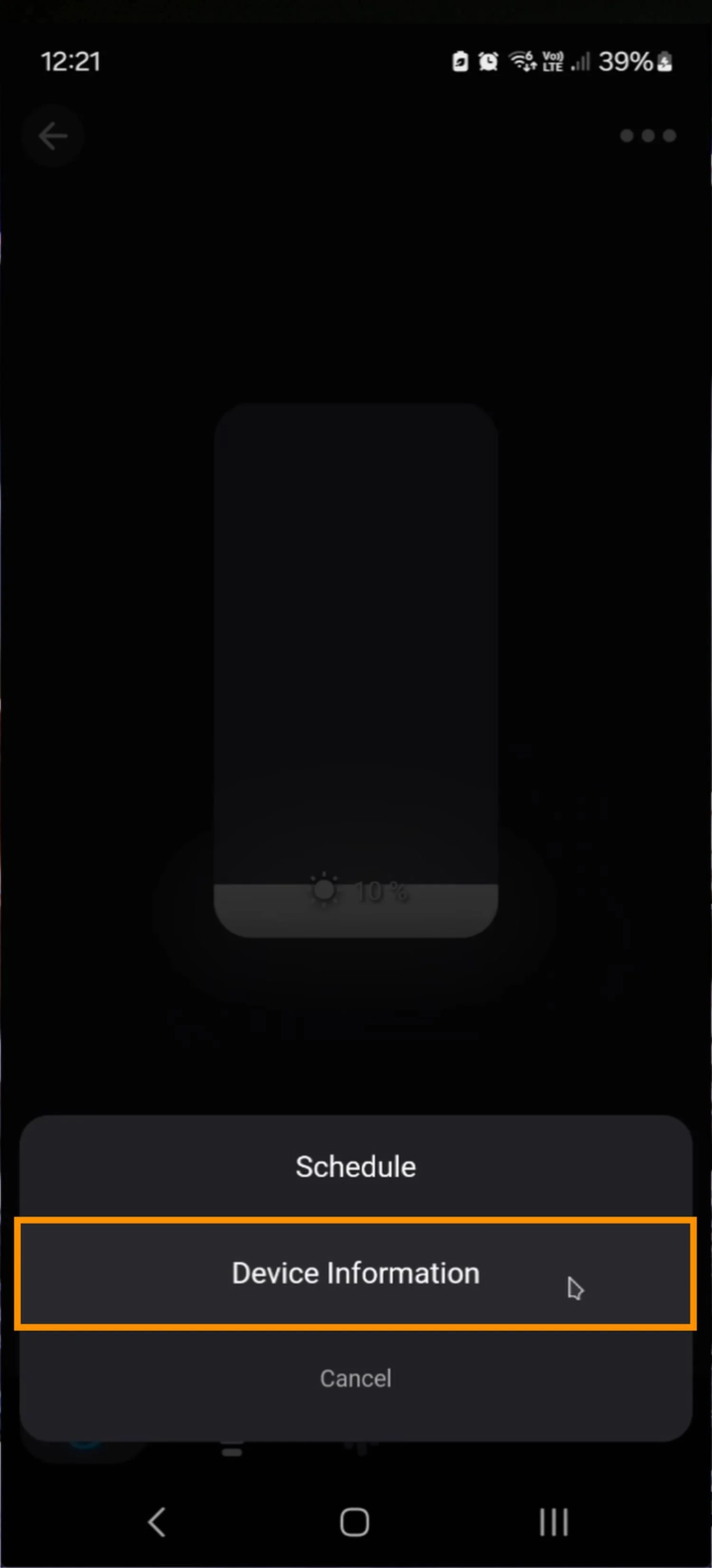
Step 4: Check for Updates
On the Device Information page, you will find details about your Sinkor light. If a firmware update is available, a small "New" icon will appear next to the firmware version.

Step 5: Start the Firmware Update
Tap the firmware update option.
Make sure you are within a good distance of your light to prevent connectivity issues.
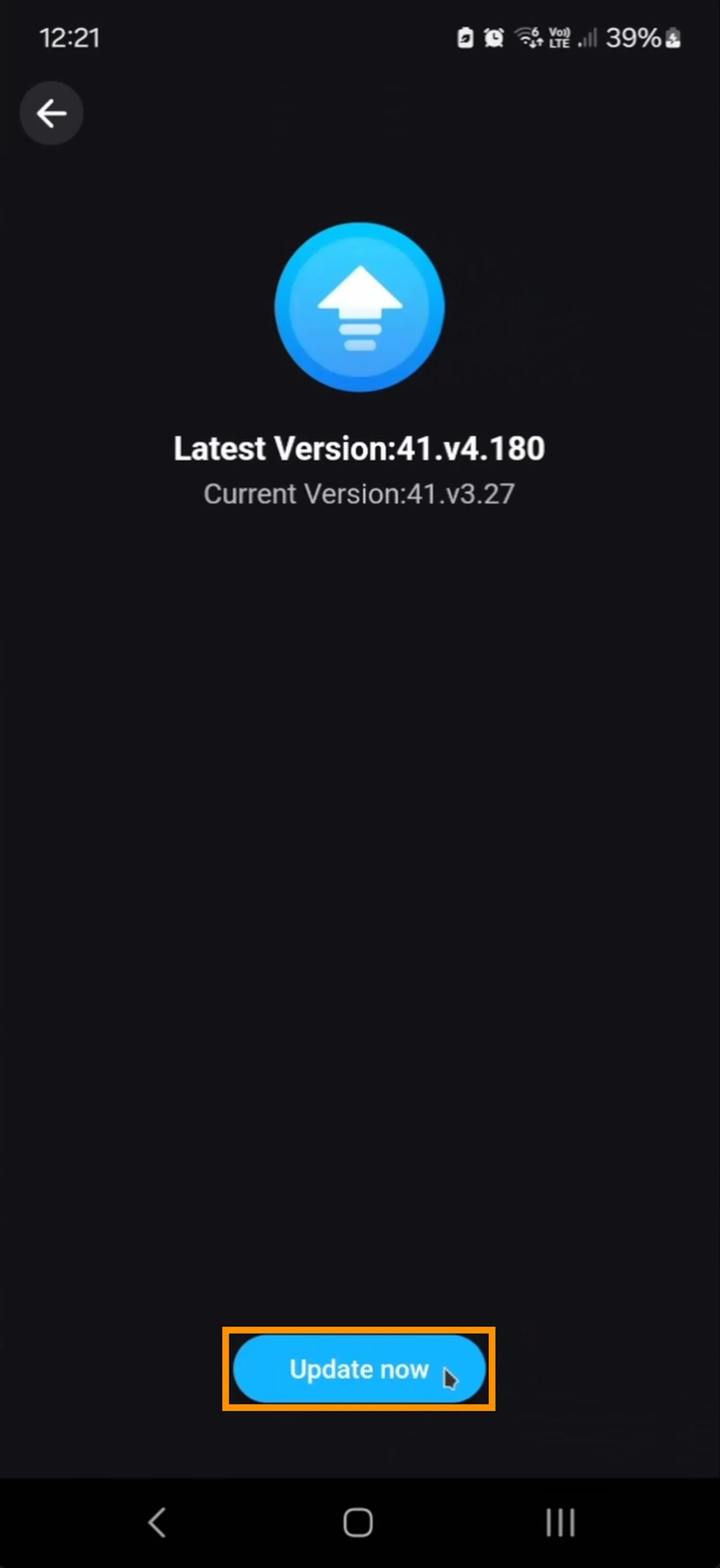
Tap "Update Now" and wait for the process to complete. This may take a few minutes.
Handling Dropouts
If you experience a connection dropout during the update, don’t worry. Unlike some other software updates that might brick your device, the Sinkor lights allow you to retry the update process without permanent issues. Simply restart the update if necessary.
Confirming a Successful Update
Once the update is complete, you will receive a notification confirming its success. If the update fails, you will see an error message prompting you to try again. Repeat the process until the update is successful.
Unlocking New Features
After successfully updating your firmware, you should now have full access to the ramp up and ramp down options within the Surplife app. You can configure your lighting settings to match your preferences perfectly.